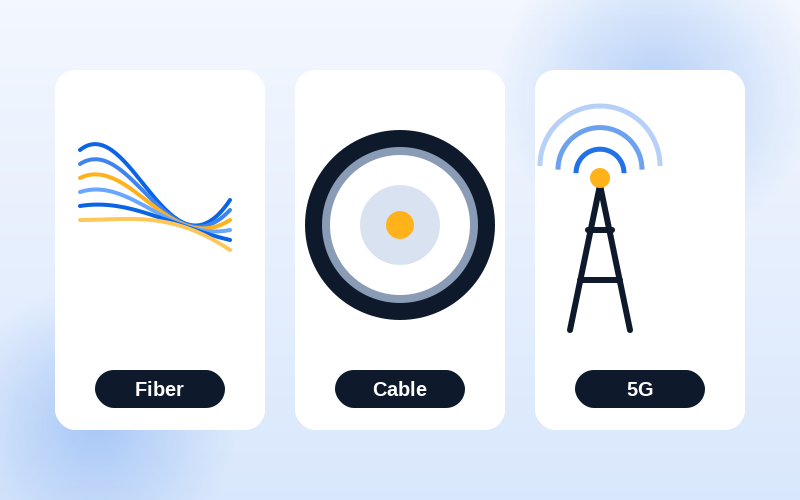
5G home internet (also called fixed wireless access) gives your home a broadband connection over a cellular network instead of a cable, phone line or fiber. It's now one of the fastest-growing types of home internet in the US. Here's how it works.
The three parts of 5G home internet
- The cell tower. Your provider's 5G tower sends and receives data, just like it does for phones. The tower connects back to the provider's fiber network and the wider internet.
- The gateway in your home. A box about the size of a small speaker receives the 5G signal. It has a stronger antenna than a phone.
- Your Wi-Fi. The gateway turns the 5G signal into Wi-Fi (and Ethernet ports) for your laptops, TVs, consoles and phones.
How is it different from cable or fiber?
Cable and fiber need a physical line to your house and often a technician visit. 5G home internet only needs the signal to reach your window, so setup takes minutes and the service is easy to move or cancel. The trade-off is that wireless signals are shared with nearby users and can be blocked by walls and distance, so speeds vary more than on fiber. Our fiber vs cable vs 5G comparison goes deeper.
What speeds to expect
Typical 5G home internet downloads range from about 100 to 500 Mbps, with uploads of about 10 to 55 Mbps and latency around 15 to 30 ms. T-Mobile's plans list typical downloads of 133 to 498 Mbps. That's enough for 4K streaming, video calls and gaming in most homes.
What affects your 5G home internet signal
- Distance to the tower: closer is faster.
- Walls and windows: brick, metal and low-E glass weaken the signal.
- Gateway placement: high up and near a window works best.
- Network traffic: speeds can dip in the evening when more people are online.
Does 5G home internet need a phone line or contract?
No. You don't need a phone plan, though T-Mobile takes $15 a month off home internet if you have one of its voice lines. Most 5G home internet plans have no annual contract and include the gateway.
Is it available at my address?
Providers only sell 5G home internet where the local tower has spare capacity, so availability is address by address. Send us your ZIP code or call and we'll check, or compare plans on our T-Mobile Home Internet plans page. Still deciding? Read our T-Mobile Home Internet review.
Frequently asked questions
How does 5G home internet work?
A 5G gateway in your home picks up the cellular signal from a nearby tower and turns it into Wi-Fi and Ethernet for your devices. There are no cables to your house, so setup takes minutes and no technician visit is needed.
Is 5G home internet as fast as cable?
Often, yes, for everyday use. T-Mobile lists typical download speeds of about 133 to 498 Mbps depending on the plan and signal, which covers streaming, video calls and gaming for most households. Cable can be faster at peak times in some areas.
What affects 5G home internet speed?
Distance to the tower, walls and windows between the gateway and the tower, and how many people nearby use the same tower all affect speed. Placing the gateway high up near a window usually gives the best signal.