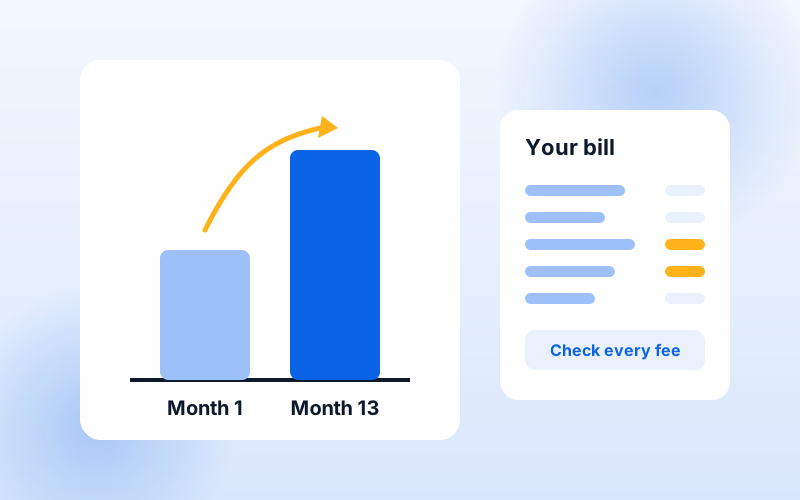
Internet and TV bundles are marketed as the easy way to save. Sometimes they are. Other times the discount is small and the bundle locks you into a bigger TV package or a longer contract than you'd choose on your own. Here's how to tell the difference.
Why providers offer bundles
Providers would rather sell you two or three services than one, so they discount the combination. You benefit when you'd buy both services from that provider anyway.
The costs a bundle price may not show
- Promotional pricing: the bundle price may apply for 12 or 24 months, then rise.
- TV fees: broadcast TV and regional sports fees are often added on top of the package price.
- Equipment: modem or gateway rental, and a charge for each extra TV box.
- Installation and activation fees.
- Early cancellation fees if the bundle has a contract.
A five-minute bundle checklist
- List the channels you actually watch, including local news and sports.
- Pick the internet speed your household needs.
- Price the bundle with every fee, for month 1 and for the month after the promotion ends.
- Price the same services separately, including a live TV streaming service plus internet-only.
- Compare contract terms. A slightly higher price with no contract can be the better deal.
When bundling makes sense
Bundling tends to win if you want traditional TV with local channels and sports, you'll stay at your address for a while, and the bundle includes the internet speed you'd buy anyway.
When to skip the bundle
If you mostly watch on-demand streaming apps, an internet-only plan plus one or two streaming subscriptions often costs less. The same is true if the bundle forces a TV tier with many channels you never watch.
We compare bundles and separate plans side by side for your address. Send us your ZIP code, or read more on our internet + TV bundles page.